
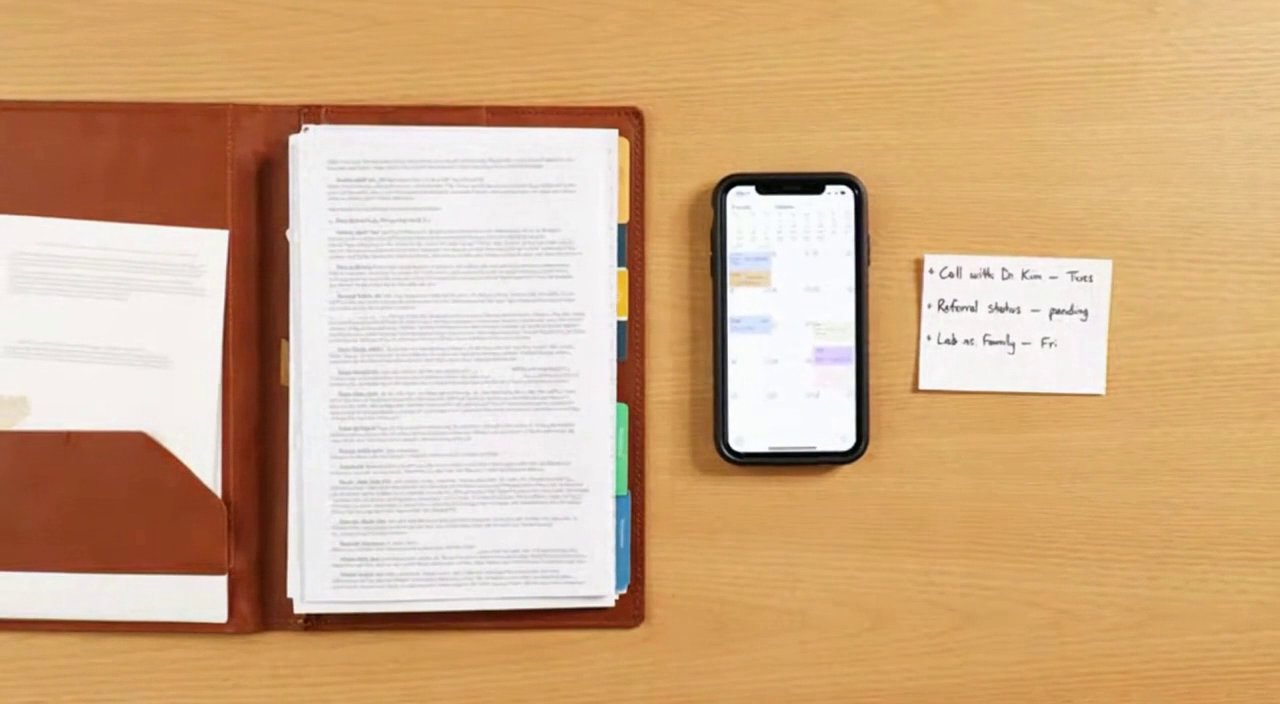
A calm, clear process; built around follow-through
We start with a no-obligation conversation; then we build your Record Vault — a portable, organized foundation — so ongoing execution can start without friction. After that, your navigator keeps tasks moving and keeps your family aligned.
Averyn Care supports the administrative side of care; medical decisions remain with your providers.
Three steps
You complete a short form; then we schedule a conversation to understand your situation, priorities, and whether Averyn is a fit. No obligation; just clarity.
 Record Vault
Every household starts here. We gather, request, and organize records; establish access; and deliver a portable Vault plus a plain-English summary — with a 10 business day delivery target.
 Your Navigation Plan
Once the Vault is complete, choose the Averyn Navigation Plan that matches your situation. Your navigator keeps tasks moving, follows up persistently, and keeps everyone aligned.
Your first two weeks
Here's what the timeline actually looks like — from first conversation to your navigator actively tying off loose ends.
We learn what you're managing and confirm whether Averyn is the right fit. No obligation.
Services agreement and authorization forms — simple e-signatures for the Primary Contact, Supported Person, and any additional family.
Record requests submitted, portal access established, care team and vendor map under construction.
Documents organized by provider and date. Gaps identified. Plain-English summary drafted.
Care team directory, baseline snapshot summary, records repository, authorization & access snapshot, and upcoming commitments — all in one place.
Loose ends picked up. Follow-ups tracked. Your first weekly household update lands in everyone's inbox.
Timeline assumes timely household participation (authorization signatures, provider info, and portal credentials). The Record Vault Guarantee covers delivery timing.
What the Record Vault build looks like
Every household starts with the Averyn Record Vault — a fixed-scope engagement with a 10 business day delivery target. The Vault creates the foundation (records, access, authorizations) that makes your Navigation Plan effective.
- We confirm what you are carrying right now; and what "better" would look like.
- We explain scope and boundaries in plain language.
- If it's a fit, we confirm plan recommendation and onboarding timing.
- We send the services agreement and authorization forms to the Primary Contact, the Supported Person, and anyone else added to the account.
- We establish Averyn as an authorized representative for administrative follow-through; so offices and vendors can speak with us.
- Where needed, we help with provider-specific releases and portal proxy access.
- We build the provider and contact map; so requests go to the right place.
- We collect key documents for your family binder; insurance cards, existing POA/HIPAA releases, recent visit summaries when relevant.
- We capture goals and constraints; then turn them into the first set of priorities.
- If you have meal prep, transportation, home cleaning, or other vendors in the mix, we collect that information too.
- We introduce the navigator to the Supported Person; solo or with the Primary Contact, depending on what's appropriate.
- We help identify and invite additional caregivers or helpers; then define a calm way for questions and requests to flow.
- We set up the Averyn app for shared visibility; requests and documents in one place.
- We send the first structured summary; what's moving, what's blocked, what's next.
- When helpful, we plan a short family alignment call to reset roles and next steps.
What your household receives- Care team directory; providers, portals, contacts, and the right way to reach each office.
- Authorization & Access Snapshot; proxy/portal status and "who can do what" clarity.
- Authorization packet and records request tracker; submitted, pending, and blocked items.
- Baseline records repository organized by provider and date.
- Plain-English baseline snapshot summary; gaps and pending records highlighted.
- One Family Alignment Call included.
The Vault is useful even if you don't continue with ongoing support. Full Record Vault details →
That's common, especially when the Supported Person is capable and simply tired of the hassle. In that case, we confirm new work items with them directly; we also ask them to decide who should receive updates and to help gather portals, providers, and documents early.
Updates for a Supported Person go to everyone added to the account; the same facts and next steps so people stay aligned. Before we start new actions, we confirm with the Primary Contact; that keeps one plan of record even when there are multiple helpers.
Open a sample weekly family summary and a hospitalization briefing timeline. Names are fictional; structure is the point.
After the Record Vault: your Averyn Navigation Plan
Once the Vault is complete, you choose the Navigation Plan that matches your situation. Your navigator keeps the work moving and keeps you out of the weeds. The exact rhythm depends on your plan; the core loop is the same: organize, coordinate, communicate.
- Keep your Record Vault current as new documents arrive.
- Prepare for visits with pre-visit questions and "what we need from this appointment."
- Turn after-visit instructions into tracked tasks and document outcomes.
- Manage administrative threads and inbound messages; route decisions back to you when needed.
- Follow up persistently on referrals, authorizations, records requests, and scheduling until there's a documented next step.
- Coordinate home services; meal delivery, transportation, home support, equipment vendors, and supplies.
- With authorization, place orders or coordinate through the appropriate channels; costs are handled separately from your subscription.
- Send structured summaries to everyone on the account; what's moving, what's blocked, and what's next.
- Keep the whole family on the same page without repeated phone calls or group-text chaos.
- Pull you in when a decision is needed; otherwise, keep pushing the work forward.
How the plans differ after the Record Vault
All plans share the same foundation: a completed Record Vault, the Averyn app, and a navigator who executes follow-through. The difference is how much of the coordination burden shifts to Averyn — and with Anchor, the operating model changes entirely.
The operating model shift
Essentials, Expanded, Dedicated: Executive Assistant. Your navigator handles the administrative workload — calls, portals, records, follow-ups, and family updates. You direct priorities; they execute. The cadence is weekly or as-needed.
Anchor: Assistant Manager. Your navigator runs the daily operating rhythm for a home-based care plan — daily caregiver check-ins, maintained Ledger, appointment attendance, and real-time handoff discipline. The rhythm is daily. The role shifts from "doing admin tasks on your behalf" to "running the coordination system so the plan holds together."

- Active follow-through on ongoing tasks and loose ends.
- Weekly written summaries to keep the family aligned.
- Pull you in when a decision is needed; otherwise, keep pushing the work.
- Appointment prep and limited phone/video attendance.
Think: "I need someone handling the calls, portals, and paperwork so I can stop managing a second job."

- Reserved navigator capacity for higher-touch follow-through.
- More proactive coordination across moving parts; tighter response cadence.
- Appointment attendance and hospitalization assistance included.
- Better fit when things are complex, changing, or multi-party.
Think: "The situation has enough moving parts that I need someone paying constant attention — not just responding when I ask."

When the home plan depends on daily follow-through
Essentials, Expanded, and Dedicated operate like an executive assistant for your family's care logistics — they take tasks off your plate, follow through, and keep everyone updated. That model works well when the situation is manageable on a weekly rhythm.
Anchor is a fundamentally different operating model. It's designed for households where a home-based care plan depends on daily coordination — rotating caregivers, active transitions, instructions that change mid-week, or a plan that drifts when no one checks every single day.
The role shifts from executive assistant (doing admin tasks on your behalf) to assistant manager (running the coordination system so the home-based plan holds together between visits, between people, and between crises).
- Daily check-ins with caregivers, home health staff, or family members — operational, non-clinical
- Caregiver handoff discipline so new helpers don't restart from zero
- Appointment attendance by phone/video to capture instructions and begin follow-through immediately
- Dedicated callback line + voicemail so the Supported Person isn't fielding provider calls
The biggest difference between Anchor and everything else is the Care Ledger (the Ledger) — your living home care plan plus a daily log; meds, routines, exceptions, and handoffs in one place.
- Updated daily with "what changed today" progress notes
- New helpers onboarded to the Ledger on their first day — not left to figure it out
- Instructions from appointments captured and added in real time
- Transition-ready — when a new specialist, new aide, or discharge happens, the Ledger is current
Most home-based plans break because the knowledge lives in one person's head — and when that person is unavailable, everything stalls. The Ledger is the fix.
Who Anchor is for
- Daily coordination with caregivers is required to keep routines, meds, and appointments coherent
- Caregiver turnover and handoffs are frequent enough that mistakes happen
- The Primary Contact is spending significant daily time just getting a reliable status update
- Active transitions: hospital → home, SNF/rehab → home, new equipment, new meds, new provider network
3-month minimum. Most families use Anchor during fragile seasons, then step down to Dedicated once things stabilize. Full Anchor details →
Aging at home? See the full cost comparison of assisted living vs. a coordinated home plan →
Clear boundaries, in plain language
Averyn Care is non-clinical. We do not diagnose, give medical advice, interpret test results, or decide whether something is an emergency. We support the administrative side of care logistics so your time and attention are used where they matter most.
If you believe the Supported Person may be experiencing an emergency, call 911 or contact licensed medical professionals immediately.
Start with a short conversation
You don't need everything organized before you reach out. We start by understanding what you're managing; then we'll outline the next steps to get onboarding done right.